

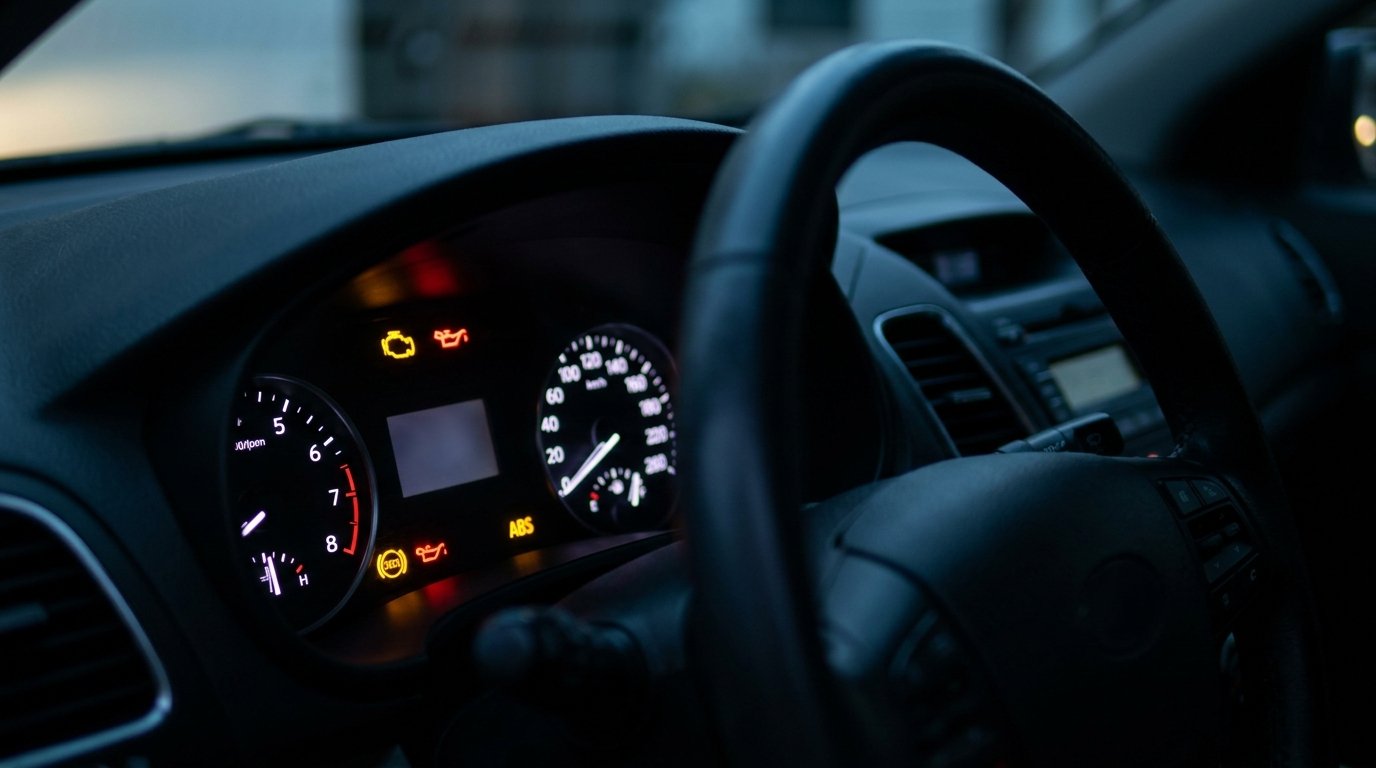
Modern vehicles are packed with advanced technology, and one of the most important features is the dashboard warning system. These lights and symbols are designed to keep you informed about your vehicle’s health, safety, and performance. However, when an unfamiliar icon suddenly appears, it can leave many drivers wondering what it means and what action to take.
If you have ever asked, “How do I use Search Live to identify the signs showing on my car dashboard?” you are not alone. Search Live makes it easy to quickly recognize dashboard warning lights, understand their meanings, and determine the best next steps.
What Is Search Live?
Search Live is a smart visual search tool that helps you identify objects, symbols, and information in real time. By using your smartphone camera, you can instantly scan a dashboard warning light and receive accurate details about what it represents.
This technology is especially useful for drivers who encounter unfamiliar dashboard symbols and want immediate answers without searching through a lengthy vehicle manual.
Why Dashboard Warning Lights Matter
Your car’s dashboard serves as an early warning system. Each light is designed to alert you to a specific issue, maintenance need, or operating condition.
These indicators can help you:
- Monitor your vehicle’s overall health
- Detect potential mechanical issues early
- Improve driving safety
- Prevent costly repairs
- Maintain optimal vehicle performance
Understanding these symbols allows you to respond promptly and confidently.
How to Use Search Live for Dashboard Symbols
Using Search Live is simple, fast, and highly effective.
Step 1: Open Search Live
Launch the Search Live feature on your smartphone or compatible device.
Step 2: Point Your Camera at the Warning Light
Aim your camera directly at the illuminated dashboard symbol. Make sure the image is clear and well-lit for the most accurate results.
Step 3: Capture or Scan the Symbol
Search Live will analyze the icon instantly. In many cases, it can identify the symbol in real time without requiring you to take a photo.
Step 4: Review the Results
The tool will provide:
- The name of the warning light
- Its meaning
- Possible causes
- Recommended actions
- Whether immediate attention is needed
Step 5: Take Appropriate Action
Based on the results, you can decide whether the issue requires immediate service, routine maintenance, or simple monitoring.
Common Dashboard Warning Lights You Can Identify
Search Live can help you recognize a wide range of dashboard indicators, including:
Engine Warning Light
Often called the check engine light, this symbol may indicate engine, emissions, or sensor issues.
Oil Pressure Warning Light
This light signals low oil pressure or insufficient lubrication.
Battery Alert Light
A battery-shaped icon may indicate charging system problems.
Brake Warning Light
This can point to brake system issues, low brake fluid, or an engaged parking brake.
Tire Pressure Monitoring Light
This warning indicates one or more tires may have low air pressure.
Coolant Temperature Warning Light
This symbol alerts you when the engine temperature rises above normal levels.
ABS Warning Light
The Anti-lock Braking System light indicates a possible issue with the ABS system.
Benefits of Using Search Live for Dashboard Identification
Search Live offers several advantages for vehicle owners.
- Instant identification of warning symbols
- Easy-to-understand explanations
- Convenient access anytime, anywhere
- Reduced guesswork and uncertainty
- Faster response to vehicle issues
- Improved confidence behind the wheel
It transforms complex automotive information into clear, actionable guidance.
Tips for Accurate Results
To get the best results when using Search Live:
- Ensure your dashboard is well lit
- Hold your camera steady
- Focus clearly on the symbol
- Avoid glare or reflections
- Capture only the warning icon when possible
A clear image helps the tool deliver the most accurate identification.
When to Seek Professional Assistance
While Search Live provides valuable information, some dashboard warnings require immediate professional attention.
You should consult a certified mechanic if:
- A red warning light appears
- Multiple warning lights activate simultaneously
- The vehicle performs unusually
- Strange noises accompany the warning
- The issue persists after restarting the car
Professional diagnosis ensures your vehicle remains safe and reliable.
Search Live vs. Traditional Owner’s Manuals
Although owner’s manuals are helpful, Search Live offers several unique advantages.
| Feature | Search Live | Owner’s Manual |
| Instant Identification | Yes | No |
| Visual Recognition | Yes | No |
| Easy to Use | Yes | Moderate |
| Real-Time Access | Yes | Limited |
| Detailed Explanations | Yes | Basic |
This makes Search Live an excellent modern solution for drivers.
Best Practices for Dashboard Monitoring
In addition to using Search Live, it is wise to regularly monitor your dashboard and vehicle performance.
- Check for warning lights before driving
- Address alerts promptly
- Schedule regular maintenance
- Keep your vehicle manual accessible
- Never ignore critical warning indicators
Proactive care helps extend the life of your vehicle.
Final Thoughts
If you are wondering how to use Search Live to identify the signs showing on your car dashboard, the process is remarkably simple. With just a quick scan, you can instantly understand what each warning light means and what steps to take next.
Search Live provides a convenient, accurate, and user-friendly way to decode dashboard symbols, helping you stay informed and in control. Whether it is a routine maintenance reminder or an urgent warning, this technology empowers you to make smarter decisions for your vehicle.
By combining modern visual search tools with responsible vehicle care, you can drive with greater confidence, safety, and peace of mind.
